
Humanforce.

Humanforce: here’s what you need to know
Humanforce is our workforce management system that connects you to all your important work information.
Making your work life easier.
Humanforce is designed to make managing your work easier, with everything in one place through the Humanforce Work app.
With Humanforce, you can:
- View your roster, upcoming shifts or shift changes.
- Update your availability to work.
- Apply for leave and check your leave balance.
- View and download your payslips.
- Keep your personal details up to date.
- Receive messages and updates from your manager.
Getting started
When you become an employee of Glad Group you will receive your Humanforce welcome email.
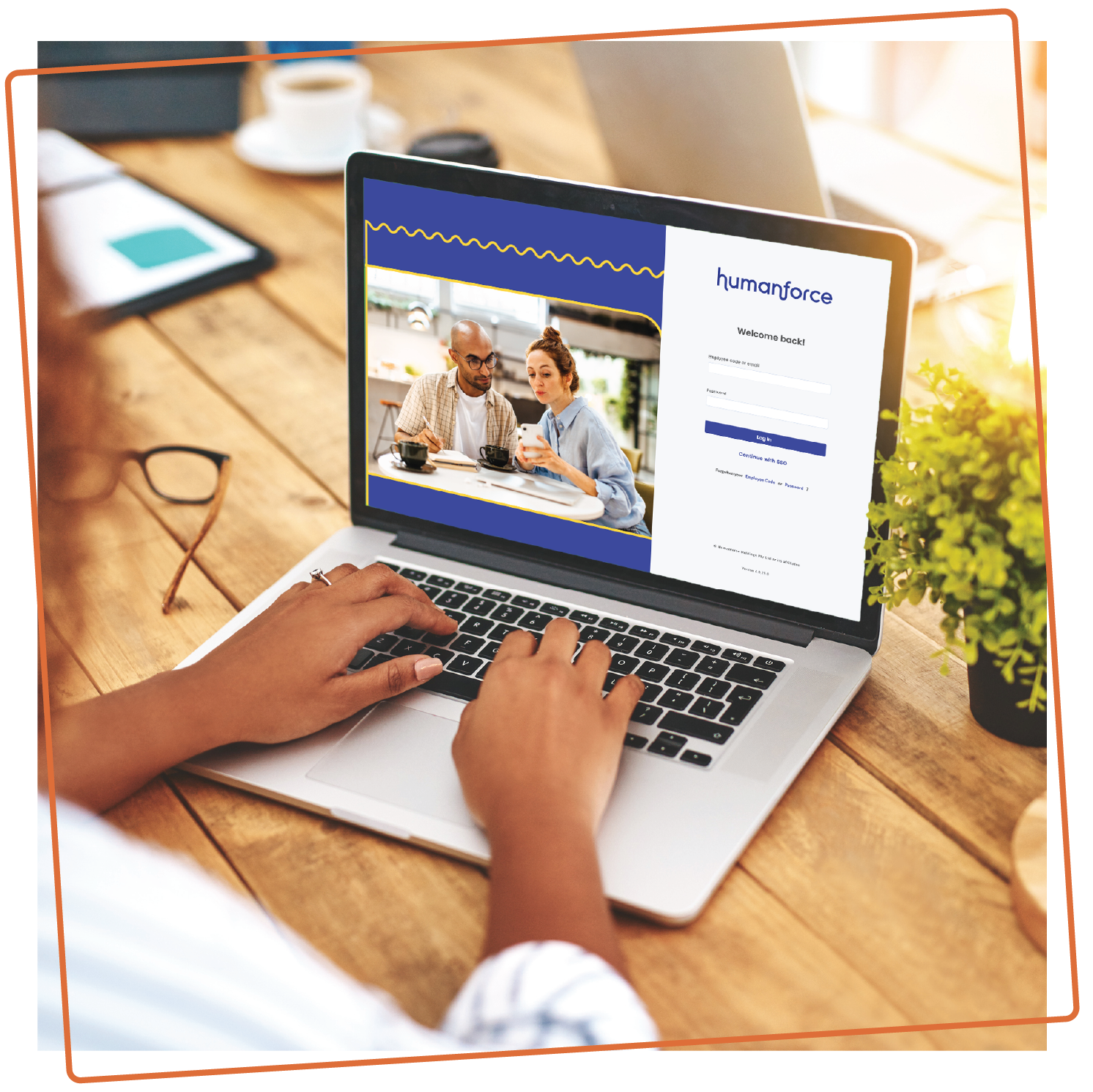
This will be sent to the same email address you provide during your onboarding journey with us, and will include:
- Your username and temporary password.
- Instructions to download the Humanforce Work app.
You must download the app as soon as you receive this email, as it will be your main tool for managing your work information.
Important: Your password is only valid for 24 hours, so login as soon as possible. If you miss this window, simply select ‘Forgot Password’ and follow the prompts.


Humanforce user guides
Use the guides below for simple, step-by-step instructions to help you get started and confidently use Humanforce in your day-to-day work.
Logging into Humanforce
- App and Desktop.

Request edit or cancel leave in
the Humanforce Work app.
Set Your Availability in the
Humanforce Work app.
View Your Shift In the
Humanforce Work app.
View your Timesheets in the
Humanforce Work app.
Clock in and out using the
Humanforce kiosk at you site.